public, utility
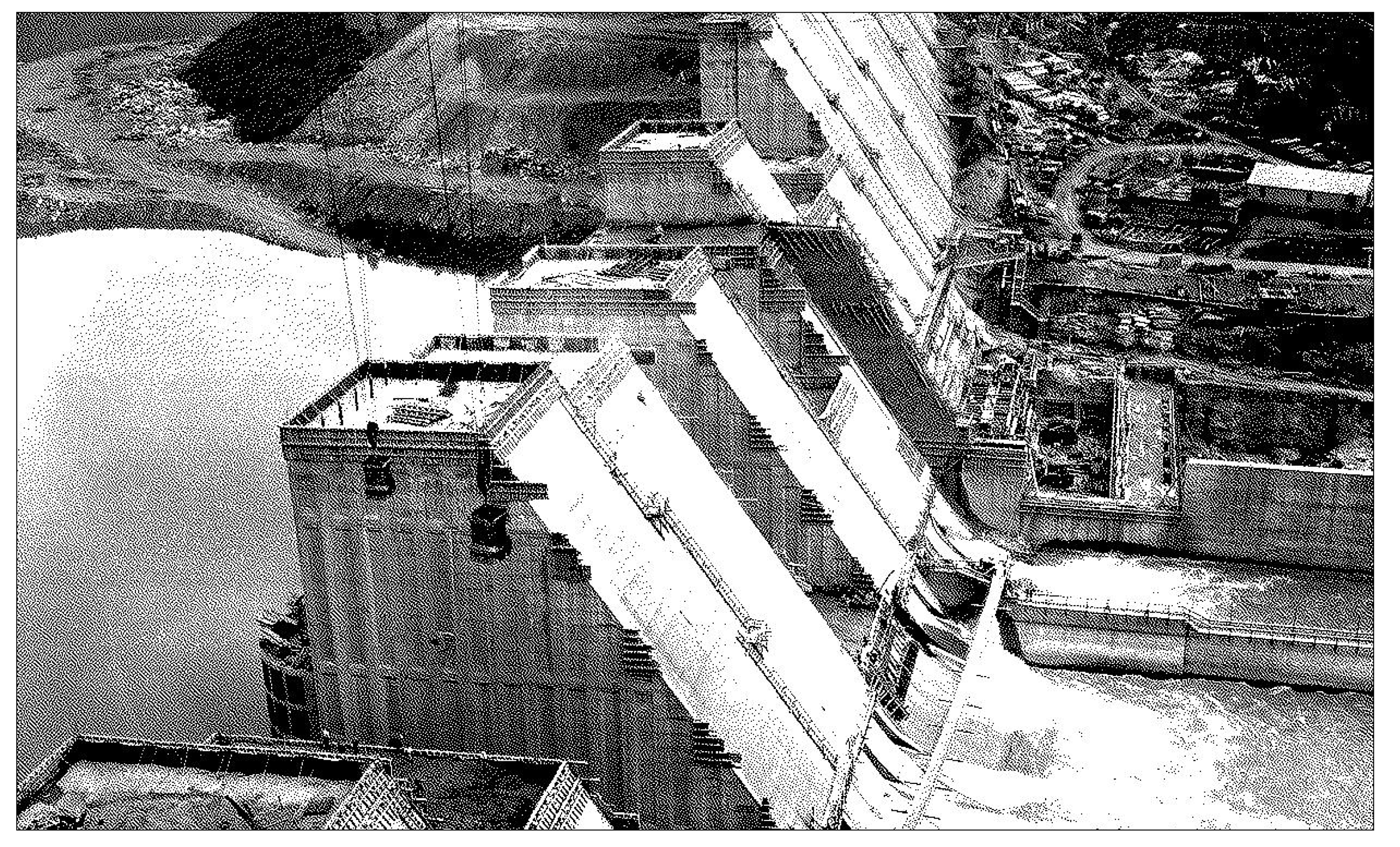
In 1933, Congress created the Tennessee Valley Authority to "electrify Appalachia." The public works project, a part of FDR's New Deal, remains the largest regional planning agency in America, and it's reverberations on the Tennessee economy, landscape, and public life. It employs thousands (including for a short time in the 1930's, my grandfather), and the TVA continues to route hydro-electric and nuclear power through the entire region. As a federal entity, the TVA also remains truly public, its priorities unencumbered by profit motives.
In Project 2, we considered KUB as a metaphor for designing and managing tools in our daily lives, considering the "private" constraints of our personalized utilities. In Project 3: Public, Utility, we'll base our work on an entity like the TVA — a public project that might intentionally help others. In this project, you have the option to modify your personal utility, or to create an entirely new utility, into a simple web-based (HTML) product that anyone with a computer can use.
In adapting our products from a personal to a public, i.e. shared and accessible, utility it will be important to think from others' perspectives while maintaining our own points of view. What are the boundaries between accessible and uninteresting? How do we infuse personality into a digital product without it feeling prohibitive? To try and answer these questions we will gather research via interviews.
One thing to keep in mind is the visual control we have over the web is much more complex and fraught than in design software. Compared to your prototypes, your designs may be a bit rough! Based on your research, ideation, and technical constraints, your project can change radically.
We will take these constraints as productive opportunities. Considering how much of our products are driven by investment backed startups and the grab for capital, we will embrace the freedom our low-tech products provide!
Requirements
- The Audience must be specific
- You must conduct at least two User Research Interviews
- Designed for a mobile device
- Site somehow responds to user input or interaction
Objectives
- Foundational HTML/CSS/JS coding
- Introduction to user research tactics
- Consider how to adapt existing technologies for your own needs
- Develop a fully functioning app using Agentic Coding
Deliverables
- Web landing page which links to your project with a short description of your utility
- Two user interviews informing the public/web adaptation of your utility
- Static mockups (designs) of your utility
Schedule
- Level 1: Interviews
- Conduct two User Research Interviews to build on your ideas, and/or consider how you may adapt your personal prototype into a public utility.
- Level 2: Proposal
- Based on the feedback you received in Step 1 from your interview subjects and your classmates, create a proposal for the Public Utility project. Make sure to take into account the web medium (both the potentials and limitations of making something "real") when creating your proposal.
- Consider the practical implications of creating a product on the web, and make a site architecture for your product that takes this into account.
- Based on this site architecture, create wireframe sketches of 3 representative screens of your product which describes how you will adapt your utility to the web.
- Prepare a short overview of your proposals which explain your idea – including imagery that helps us understand what you envision (this can describe the "problem" you're addressing, your "solution", or similar apps/websites your project may be in dialog with) along with your site architecture.
- Based on the feedback you received in Step 1 from your interview subjects and your classmates, create a proposal for the Public Utility project. Make sure to take into account the web medium (both the potentials and limitations of making something "real") when creating your proposal.
- Level 3: Site Architecture
- After receiving feedback in class begin coding a basic (unstyled) version of your site based on your site architecture.
- Level 4: Refinements
- Refine your wireframes into high-fidelity design using Figma. Your designs should have a visual identity, "interaction model", and "design system" at the their core.
- Create 2 visual directions and add simple interactions to them in Figma.Begin adding CSS styles and JS interactions to your website based on your refined comps.
- Level 5: Final Crit
- Select one visual direction and translate your design into HTML/CSS/JS code. Upload your project to the web, and prepare a short presentation on it to share with the class.